
How to close the Elementor accordion by default?

The first item of Elementor accordions is opened by default. In this post, I will show how you can close it. Also, you'll learn how to close them if you
Read More →9+ Elementor PRO header templates [free download]
To use these header templates, you need a premium version of Elementor. After you download a header template, log in to your WordPress website, navigate to "Templates » Theme Builder » Header." If you do not have an existing header then click "Add New" otherwise, edit the existing header. Either way, add a new template from the widget panel, go to the tab "My Templates" and upload the template that you have downloaded from here. And then insert the template to the header. That's all! Therefore, if you still have any issues, feel free to reach out to me.
Read More →How to create Back to Top button in Elementor PRO [without plugin]
You can create a "Back to Top" button on the Elementor website in a few different ways. But in this post, I will show you the easiest way that will not
Read More →How to fix error establishing database connection [WordPress]
Error establishing database connection may happen due to two different reasons. I will walk you through the process to fix the issue on a priority basis.
Read More →How to Add Page-Slug to WordPress Body Class?
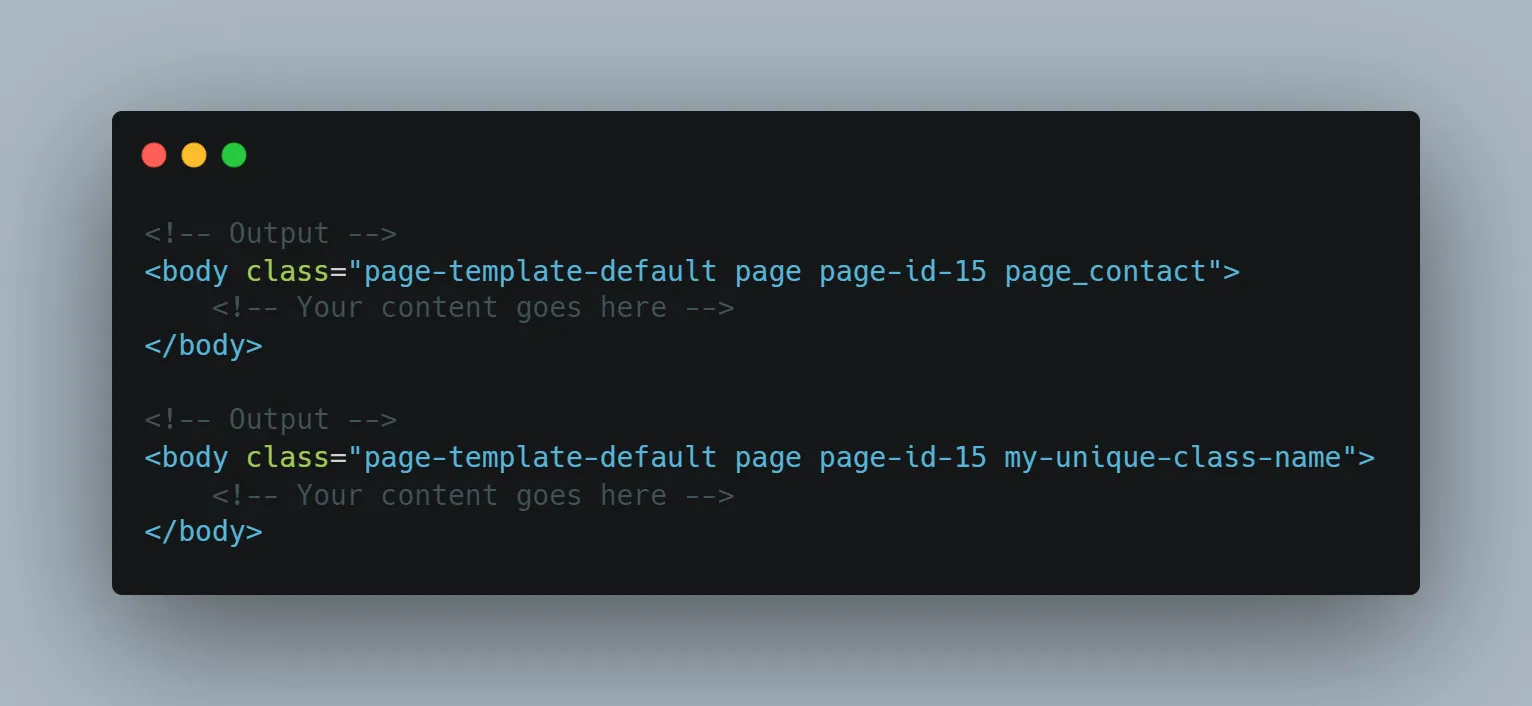
Sometimes you may need to add specific class names to the HTML body tag. WordPress has a "body_class" function that outputs the class names to the body
Read More →How to Display Author Bio in WordPress Single Post (Without Plugin)
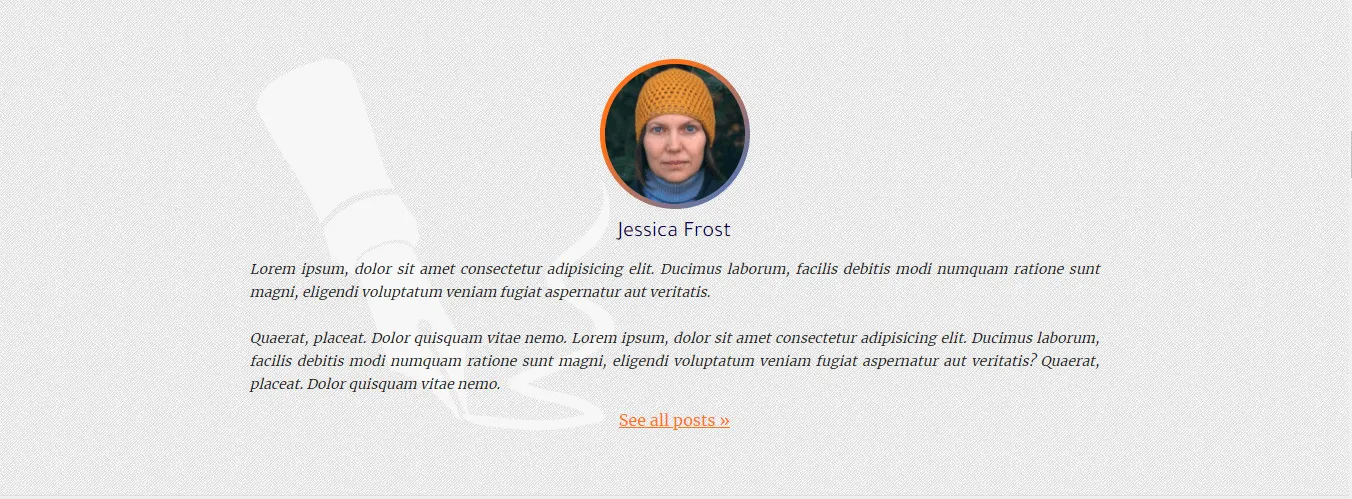
Do you want to display the author's biography in every single post? In this post, I will show you how to display the author bio in every single post. The
Read More →How to Display All Authors on Your WordPress Website (without plugin)
Do you want to display all the authors on your WordPress website? In this post, I will show you how to display the list of authors on your website. Also,
Read More →What to do when you're unable to reset your password (WordPress)?
Due to an SMTP issue, your WordPress website may not send password reset emails or even it may stop sending any emails. At this moment, you won't be able
Read More →How to Display Related Posts in WordPress (Without Plugin)
In this post, I will show you how to display related posts on the WordPress website. This is a developer-level article. Don't worry, you don't have to be
Read More →How to Add Pagination in WordPress Theme?
Follow the steps to add pagination to the WordPress website: Step 1: Navigate to your theme folder & open the "index.php" or any other archive
Read More →