
Our Blog
Insights, tutorials, and updates from the team.

How to make a div scrollable?
You can make a <div> scrollable using the CSS overflow property. The overflow can be used in two directions such as X & Y (horizontal & vertical). This post will show you how to make a scrollable <div> vertically & horizontally, and both.

How to create a video preloader on your website (Static, Divi, Elementor)?
If you want to create a video preloader on your website, this post will walk you through the complete process. I also showed you four different examples of how to create the preloader on a static HTML website, Divi, and Elementor pro website and how to exit the preloader dynamically with the DOM (content) fully loaded.

How to position text over an image with CSS?
There are two main ways you can position text over an image. Such as: (1) Placing the text over the image using the CSS position property, (2) Creating a background image for the text. This post will show you both ways to place the text over an image. Also, I will answer some of the related questions that you need to know.
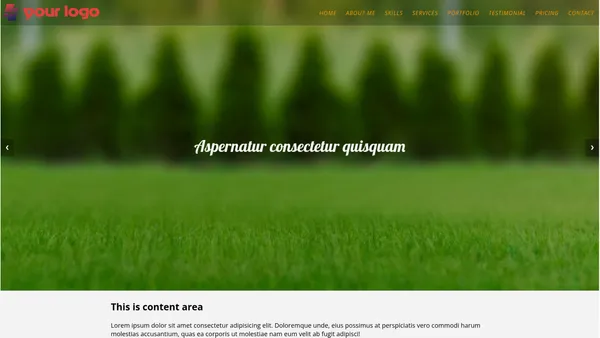
Full-screen slider using HTML, CSS & JS (template included)
This post will show you how to create a full-screen slider using HTML, CSS & JavaScript. Also, I will include header navigation that stays on top of the slider. It’s fully mobile responsive and works well on all web browsers. No dependencies, frameworks, or libraries are required.
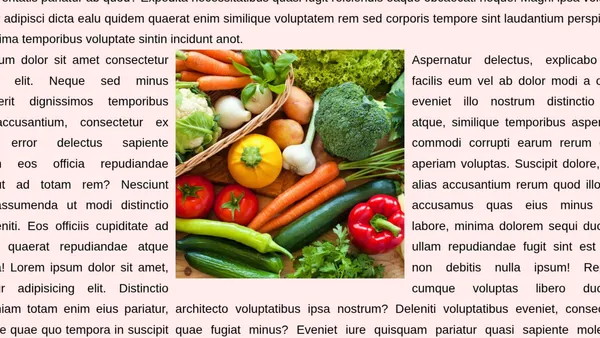
How to wrap text around an image in HTML?
This post will show you to wrap text around an image. You’ll also learn different versions of this wrapping. Such as wrapping the image from the top-right-bottom, top-left-bottom, top-right, bottom-left, etc. Last but not least, you’ll also learn how to fix/optimize the layout for mobile. Because you don’t want this wrapping or floating alignment on mobile, right?

How to align the button to the bottom of the column in Divi
In Divi, to align the button to the bottom of the column, go to the “Row Settings” as you see below.