
Download Elementor coming soon page templates
Here you can download two coming soon templates for Elementor. Ready to use - Just download and import to your website. Two examples included.
Live Demo
The live demo may slightly differ with the import file, especially the date, image, and text. You need to adjust the date.
Example: 1
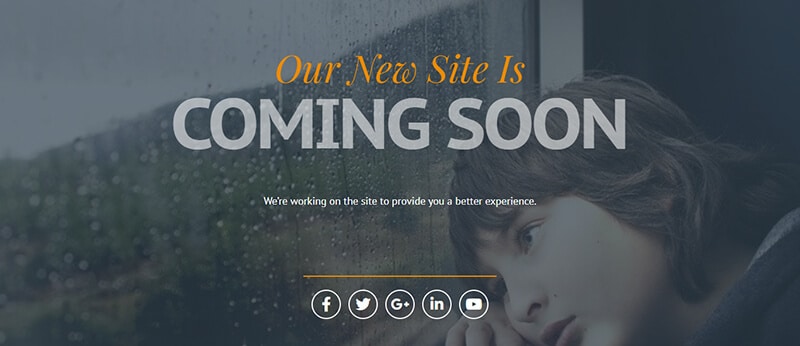
Example: 2

Do you need web design help? Feel free to reach out.
I am a freelance web developer helping other developers, designers, and clients. If you need web design-related help, feel free to reach out to me. Always a reasonable price and easy to communicate with.
Optional further reading: What is the difference between the “Coming Soon” & “Maintenance” modes?
You may have noticed that there are two different modes available.
Coming soon mode
If you choose “Coming Soon Mode”, the other web pages on your website will be accessible by search engines/crawlers. And they can index your pages while none of the pages (except for the coming soon page) are accessible by human visitors (until they are logged in to the WordPress dashboard).
It returns a 200 status (for page links) which means “Ok” in plain English.
Maintenance mode
On the other hand, if you choose “Maintenance Mode”, it (The entire website) will return a 503 error that simply means “Service Unavailable.” This mode will prevent search engines to crawl/index the website.
These are the main differences between these two modes.
Now the question is which mode you should choose?
The short answer is- if you’re not sure, choose the “Coming Soon Mode.”
If you don’t want to allow search engines to index the pages, choose the maintenance mode. But if you want the opposite, choose the coming soon mode.