
3 best cheapest hosting under $3 per month
If you're creating a new website and you're on a tight budget, any one of the following hostings could be your best solution. There are countless web
Read More →Fiverr Review: Real life experience as a client and freelancer
There is no doubt that Fiverr is one of the most famous freelancing websites. It's known by most freelancers and buyers all around the world. You probably
Read More →How to create an animated portfolio website [HTML, CSS, JS]

If you want to take your portfolio website to the next level, then you can add animation to it. Most clients make judgments after seeing the design of
Read More →Portfolio website design with HTML CSS [source code]
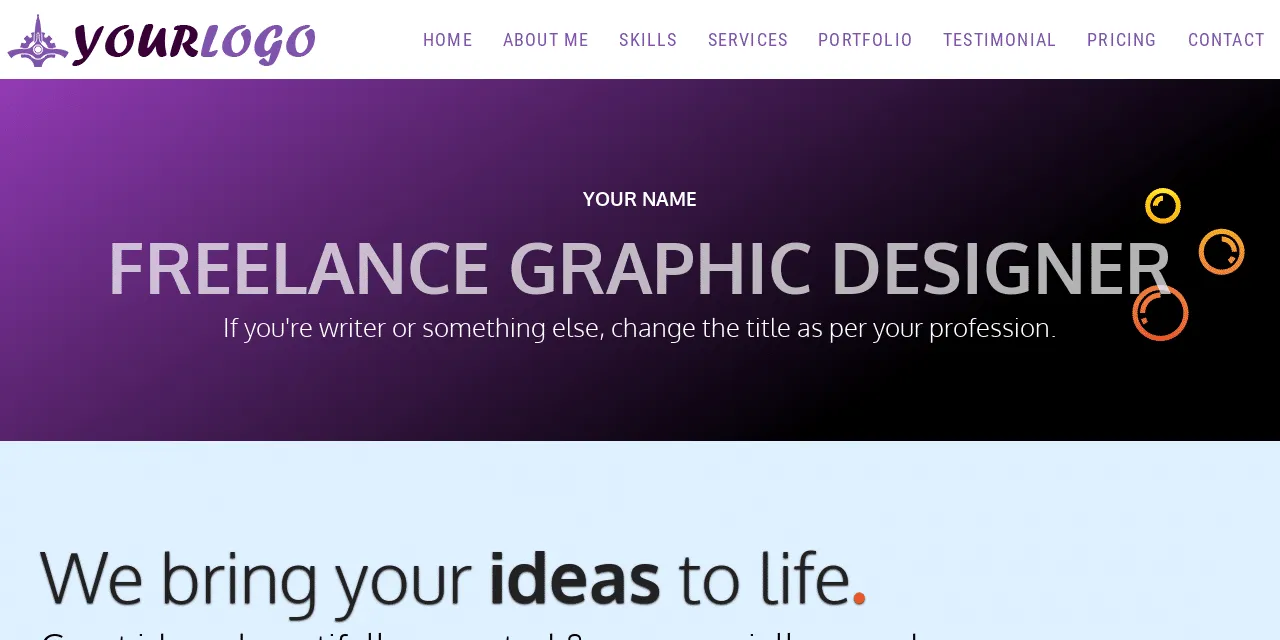
A portfolio is a great way to showcase your expertise and increase your chances of getting hired. I will show you a step-by-step guide on how
Read More →9+ Elementor PRO header templates [free download]
To use these header templates, you need a premium version of Elementor. After you download a header template, log in to your WordPress website, navigate to "Templates » Theme Builder » Header." If you do not have an existing header then click "Add New" otherwise, edit the existing header. Either way, add a new template from the widget panel, go to the tab "My Templates" and upload the template that you have downloaded from here. And then insert the template to the header. That's all! Therefore, if you still have any issues, feel free to reach out to me.
Read More →How to create Back to Top button in Elementor PRO [without plugin]

You can create a "Back to Top" button on the Elementor website in a few different ways. But in this post, I will show you the easiest way that will not
Read More →How to fix error establishing database connection [WordPress]
Error establishing database connection may happen due to two different reasons. I will walk you through the process to fix the issue on a priority basis.
Read More →Centering anything vertically with CSS
Centering anything horizontally is easy but centering vertically is a little bit trickier. The display: block; margin: 0
Read More →How to center a div in HTML CSS?
Center a div both in vertical and horizontal directions using two different methods. In this post, I explained the CSS to centering a div using flexbox, positioning, and auto margin. Also, I mentioned one of the common fixes for CSS absolute position.
Read More →CSS box model (A beginners guide to margin, padding & border)
In this post, I explained the CSS margin, padding, border, and box model. Also, I tried to clear the common confusion and demonstrate how these three
Read More →