
How to resize an image in CSS?
You can use the width, max-width, min-width, height, max-height & min-height properties to change the image size. See the examples below. img { width:
Read More →Center an image in various directions & methods
In this post, I will show how you can center-align an image in various directions & using different methods (CSS). Any HTML element can be centered
Read More →Background image size (full-width, responsive, full-screen, etc)
In this post, I will show you a couple of examples based on the background-size property. After reading it, you'll learn how to make a full-width
Read More →How to center align text vertically?
The text-align: center can make any text horizontally centered. But if you need to make the text vertically centered, you have to do it differently. In
Read More →How to Add Page-Slug to WordPress Body Class?
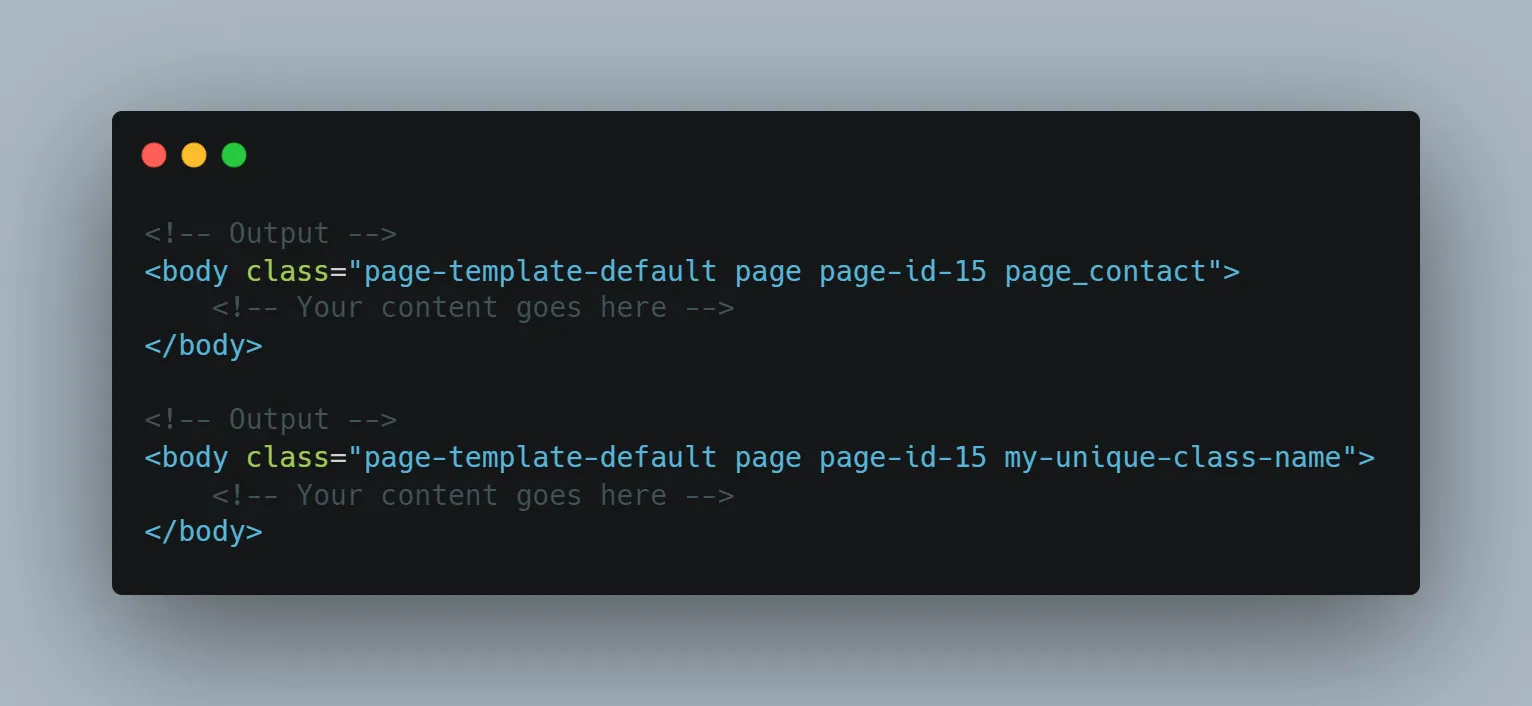
Sometimes you may need to add specific class names to the HTML body tag. WordPress has a "body_class" function that outputs the class names to the body
Read More →How to Display Author Bio in WordPress Single Post (Without Plugin)
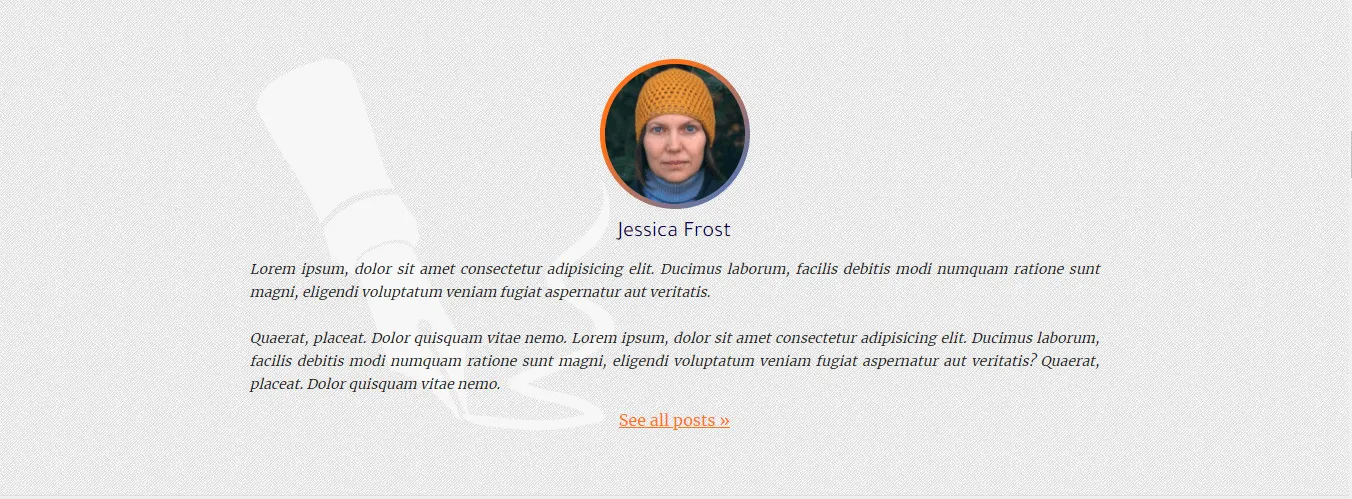
Do you want to display the author's biography in every single post? In this post, I will show you how to display the author bio in every single post. The
Read More →How to Display All Authors on Your WordPress Website (without plugin)

Do you want to display all the authors on your WordPress website? In this post, I will show you how to display the list of authors on your website. Also,
Read More →What to do when you're unable to reset your password (WordPress)?
Due to an SMTP issue, your WordPress website may not send password reset emails or even it may stop sending any emails. At this moment, you won't be able
Read More →How to Display Related Posts in WordPress (Without Plugin)

In this post, I will show you how to display related posts on the WordPress website. This is a developer-level article. Don't worry, you don't have to be
Read More →How to Add Pagination in WordPress Theme?
Follow the steps to add pagination to the WordPress website: Step 1: Navigate to your theme folder & open the "index.php" or any other archive
Read More →